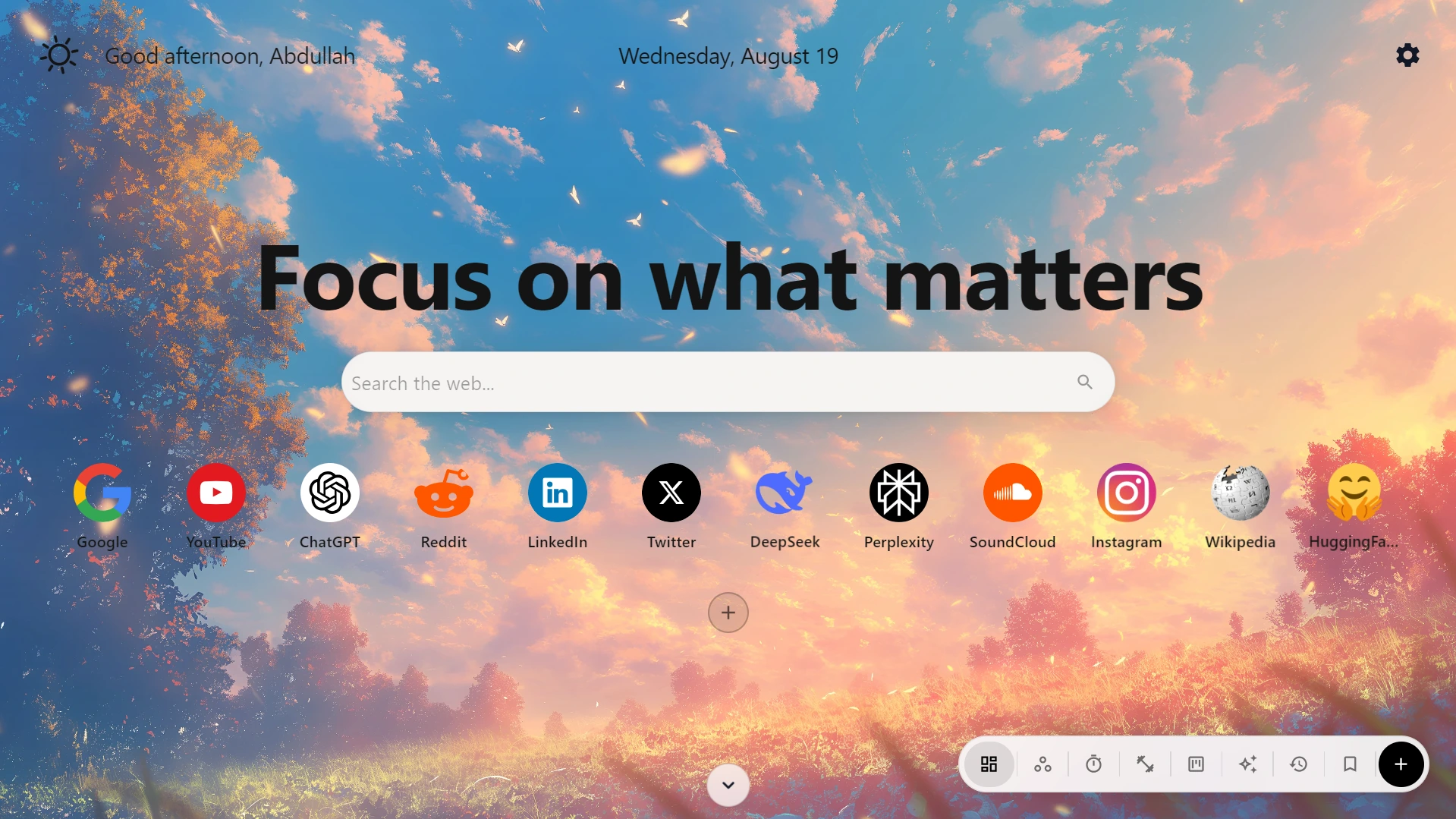




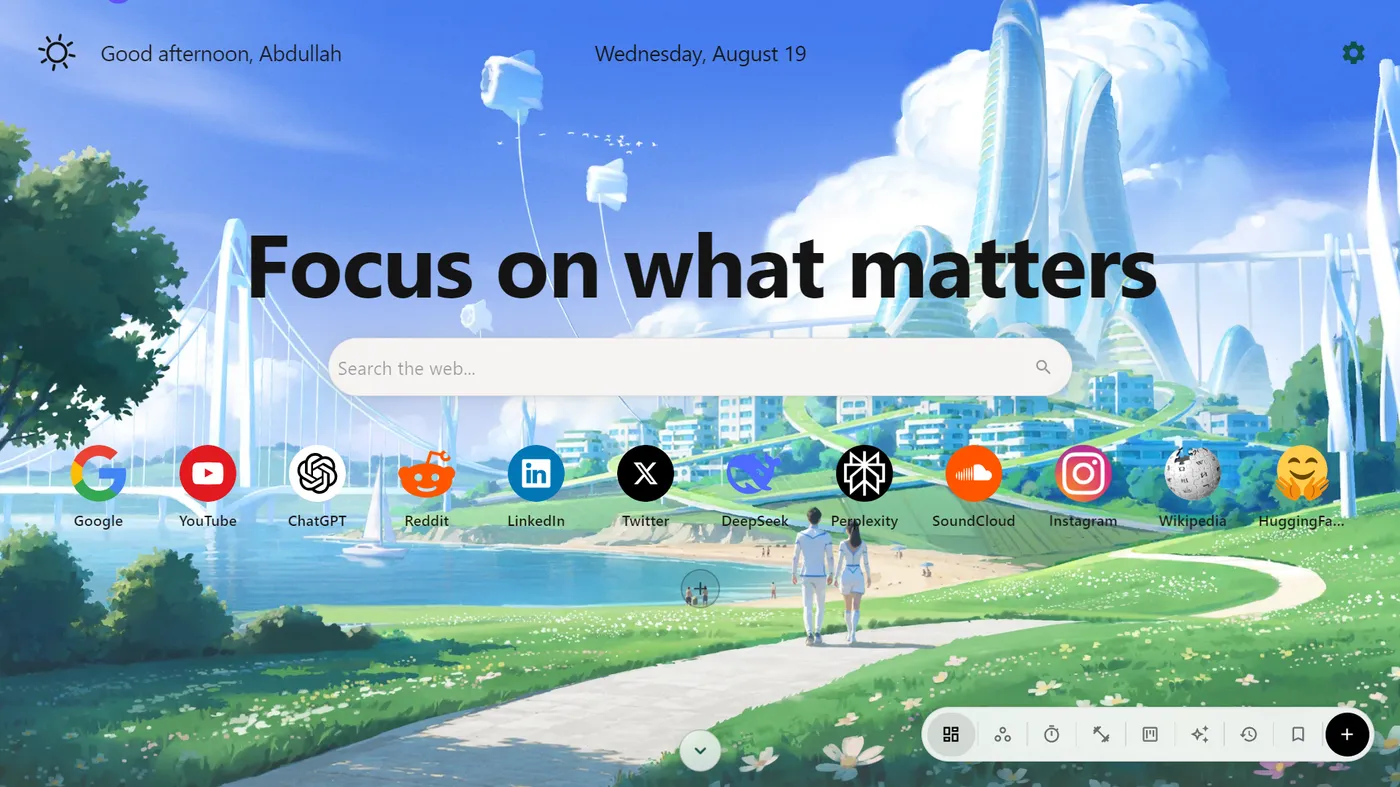
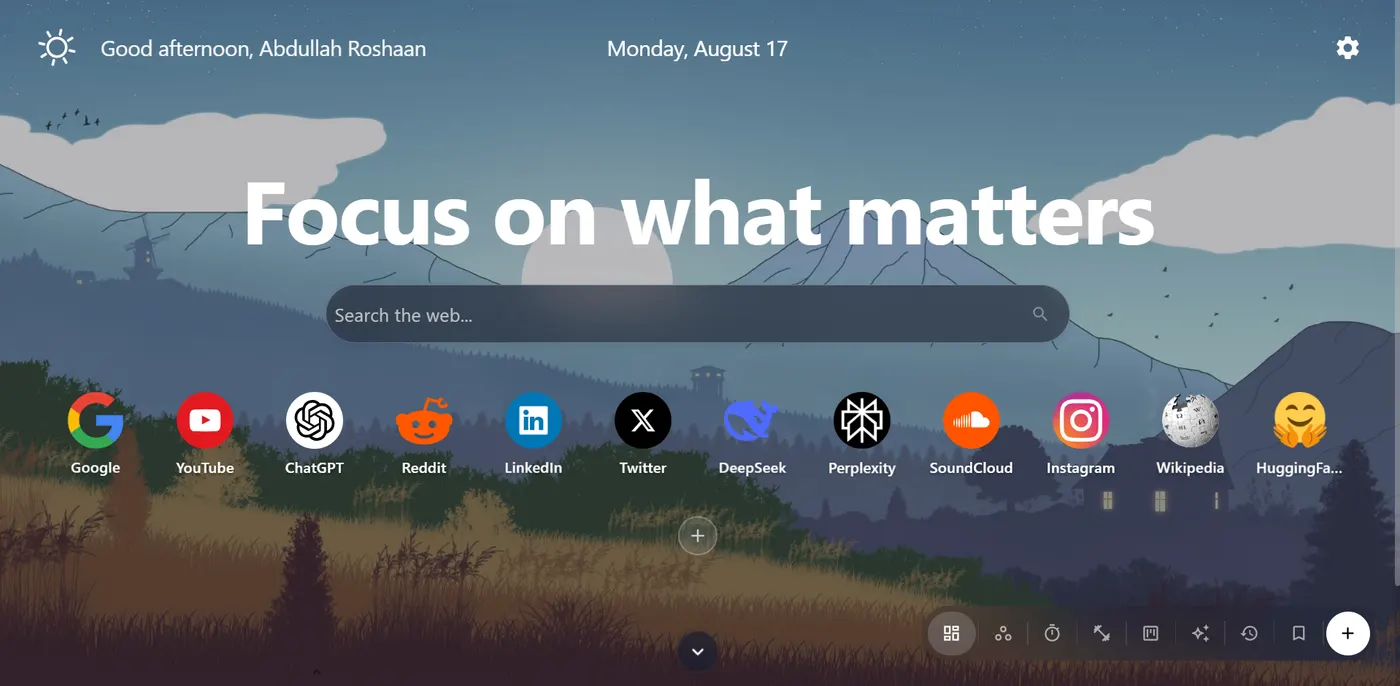
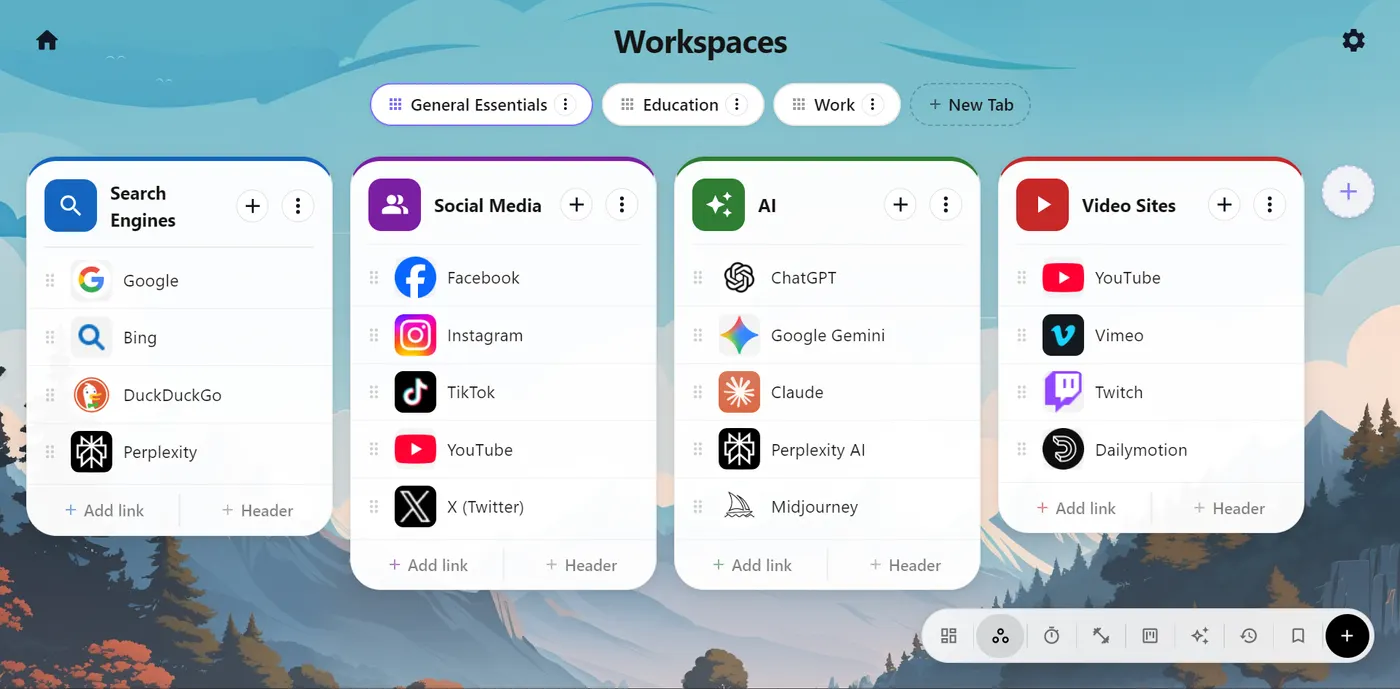
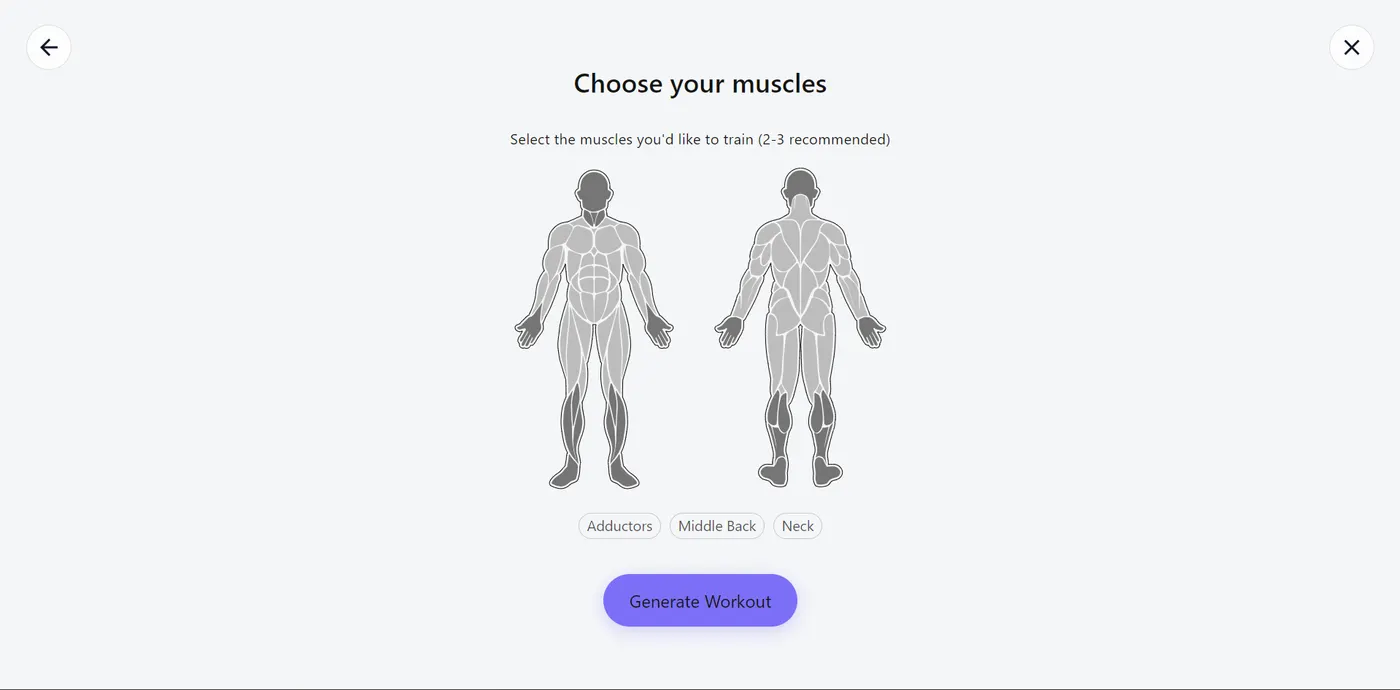

WorkZone creates a visual workspace for your links and resources.

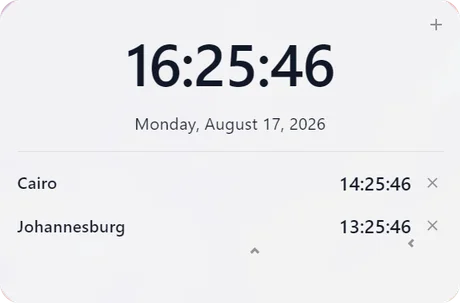
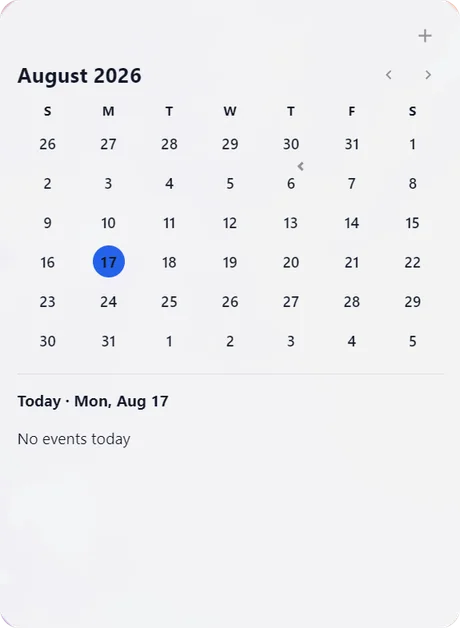
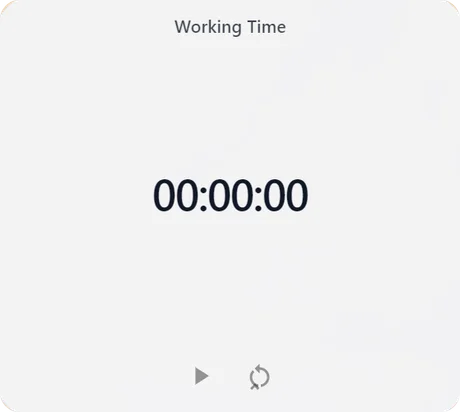
Track your time
World clocks, a calendar, and a working-time tracker keep your schedule visible without opening a single tab.
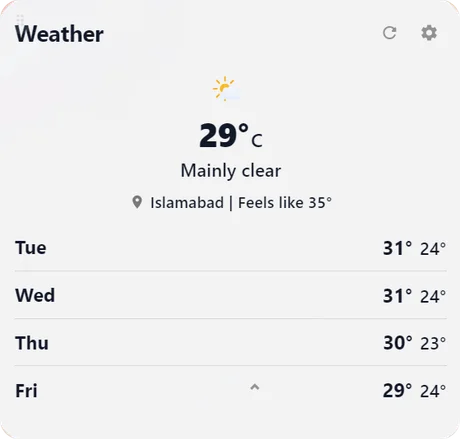
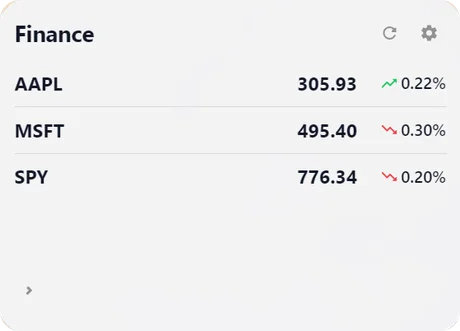
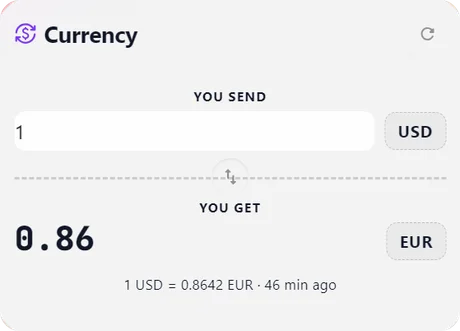
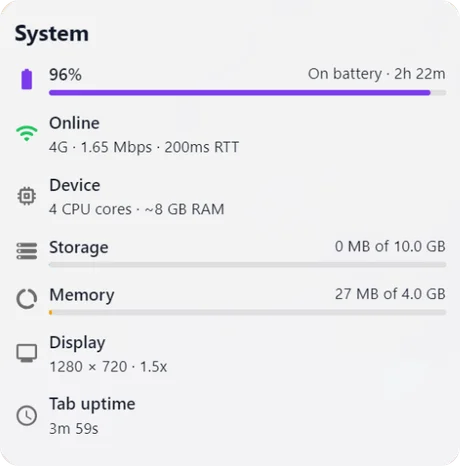
Know what's happening, instantly
Weather, stocks, currency rates, and your system's vitals update live, right on your new tab.
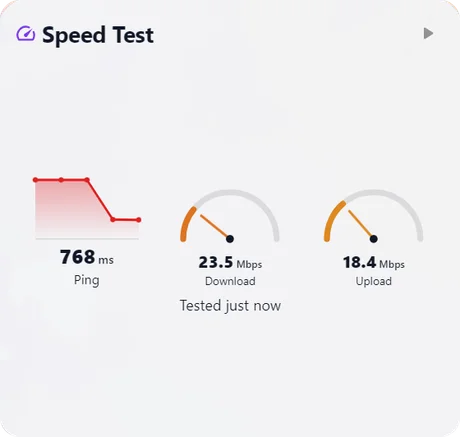
Stay inspired
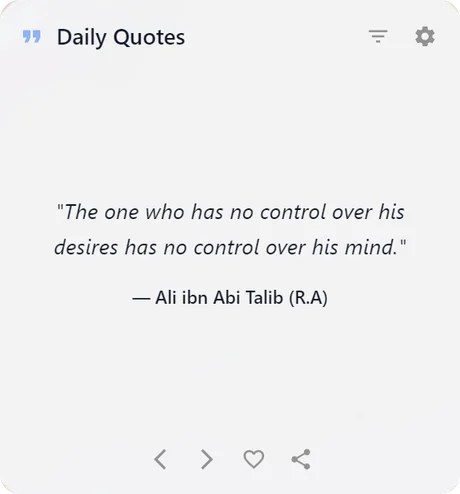
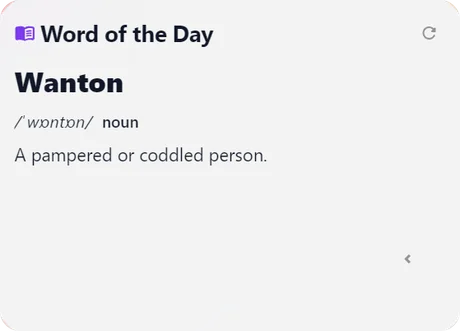
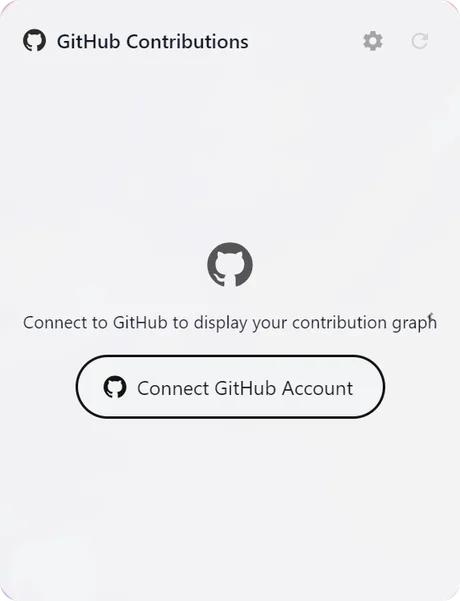
A daily quote, a new word to learn, and your GitHub streak: small nudges that keep you moving.
Frequently asked questions
What is WorkZone?
WorkZone is a free browser extension that replaces your new tab page with a customizable dashboard. It combines quick-launch shortcuts, custom wallpapers, and 20+ built-in widgets — including a calendar, world clocks, weather, stocks, and a working-time tracker — so everything you check throughout the day lives on one screen.
Is WorkZone free to use?
Yes. WorkZone is free to install and use on Google Chrome, Microsoft Edge, and Opera, with no account required to get started.
Does WorkZone collect or sell my data?
No. WorkZone has no account system and no WorkZone-operated servers — your shortcuts, wallpapers, and widget settings stay on your own device. There are no ad networks, third-party trackers, or fingerprinting scripts. See the privacy policy for details.
How is WorkZone different from Momentum or Toby?
Like Momentum and Toby, WorkZone replaces your new tab page — but it combines both approaches in one free extension: Momentum-style wallpapers and daily focus, plus Toby-style workspaces for organizing bookmarks into boards, alongside widgets neither offers, like a working-time tracker and a GitHub contribution graph.
Which browsers does WorkZone support?
WorkZone works on any Chromium-based browser, including Google Chrome, Microsoft Edge, and Opera.